Ecommerce SEO: turning category pages into your best sales pages
Category pages match the searches shoppers make when they are ready to buy. Here is how to optimize them so they rank and convert.
 Mehadi Hasan MiaziSEO Strategist
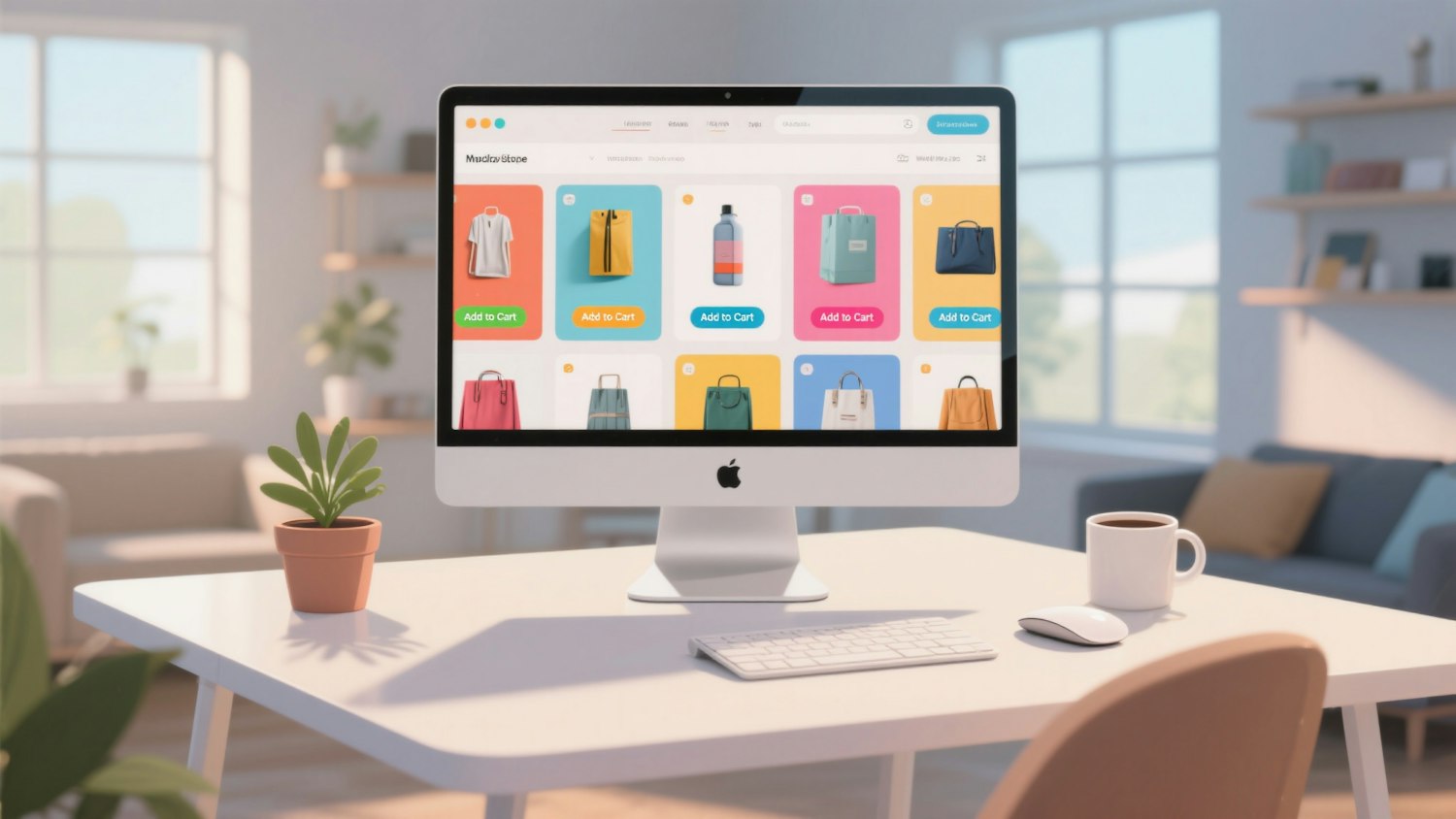
Most online stores put their SEO effort into the home page and individual products. Yet the searches with the most buying intent, such as best Islamic novels, vitamin C serum or men's running shoes, usually match a category, not a single product. Well optimized category pages can become the biggest source of organic sales in a store.
1. Map every category to a search
Start with keyword research: list the searches your buyers use, group them by intent, and give each group one category page. Avoid two categories competing for the same search, and avoid creating filter pages that nobody searches for. Long tail searches, such as a product type plus a country or a feature, are often easier to win and convert well.
2. Write titles and headings people click
Each category needs a unique title tag and H1 built around its main search, plus a meta description that gives a reason to click, such as range, delivery, price or offers. Small changes here can lift click-through rate without any change in ranking.
3. Add helpful content, in the right place
A short introduction at the top helps shoppers and search engines understand the page. Put deeper buying advice, comparisons and FAQs below the products so they do not push the products down. Answer the questions shoppers really ask before they buy.
4. Fix the technical basics
- Make sure category pages are indexable and listed in your sitemap.
- Control filter and sorting URLs with canonical tags so they do not create thousands of near duplicate pages.
- Keep pages fast, especially on mobile, by compressing images and loading them lazily.
- Give product images descriptive alt text.
5. Strengthen internal links
Link to your key categories from the main menu, the home page, related categories and blog posts. Use breadcrumbs so both people and search engines understand where each page sits in the store.
6. Use structured data
Add breadcrumb markup to categories and product markup to product pages, with price, availability and reviews where you have them. Rich results make your listings stand out and can raise click-through rates.
7. Earn links to categories, not just the home page
Guides, gift lists, partnerships and local directories can all point to your most important categories. Even a handful of relevant links to a category can move it up for competitive searches.
The result
For an online bookstore in Bangladesh, combining these steps with a technical audit and steady link building produced 4.23 million impressions and 95.5 thousand organic clicks over fifteen months.
Curious where your store is losing sales in search? Request a free SEO audit.